The Hammer
I’m a restless writer. I move back and forth between writing tools like a child changes crayons. I recently spent part of a weekend reviving an old interest in the Vim text editor, rebuilding my configuration file and installing plugins that made it friendlier for writing prose.
Then I came upon an online discussion about text editors, another entry in the old vi vs. emacs wars that have been fought among geeks for decades, and that old feeling hit me again: am I using the best editor? Am I using the right editor? My head tells me it doesn’t matter, but my restless heart isn’t so sure.
I should make it clear I’m not a developer. I don’t write code, I write prose. Why do I care about text editors that are really meant for developers? Shouldn’t I just install Microsoft Word and be done with it?
The thing is, I abandoned word processing software years ago. There are all sorts of economic and philosophical reasons to not like Word, or Apple's Pages (which comes free with my Apple hardware) or Google Docs (free, whether or not you trust or even like Google) or even LibreOffice Writer (which is just plain free), but my biggest beef is that they all have proprietary file formats. And when you switch between writing programs as much as I do, that’s a big beef.
So there I was, paging through yet another argument about text editing software, with a mostly-configured version of Vim sharing my system with a virtually untouched installation of Emacs, a long-established installation of the venerable Mac editor BBEdit, not to mention Apple’s built-in editor, TextEdit, and wondering which one should I settle on?
I faced an abundance of choices, but most of them had a learning curve I have conquered at least part of the way, and configuration choices to be made. Things that kept me from writing.
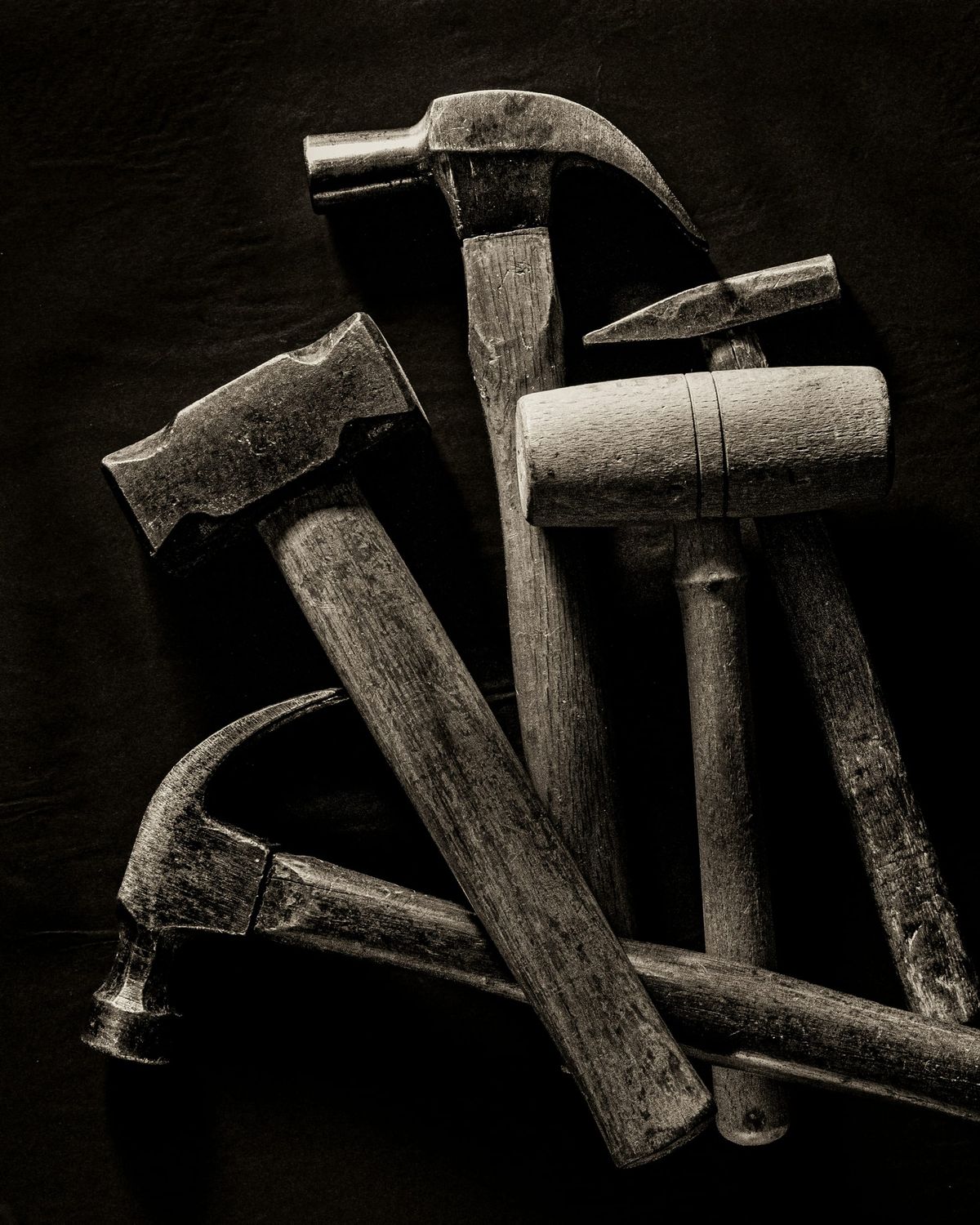
I had houses to build, and I was spending all my time at the hardware store choosing hammers.
Now, any of those hammers would work perfectly well to help me build my houses. They’re all really the same. They were all made to hit nails, and they all do at least a passable job at it. And the nails don’t care which hammer hits them.
Then I realized that I’d actually already made a decision years ago that made my final choice surprisingly easy.
Long ago I decided to keep my work in plain text, usually with Markdown code embedded, because it make the file easy to read not only by the human eyes, but by a wide variety of software. The simple markup shows where bold and italic text should be, along with with other enhancements.
Using plain text, with embedded markup or not, means the text editor is immaterial. Notepad, Notepad++, Emacs, Vim, BBEdit, Sublime Text, iA Writer, Textastic, 1Writer and Runestone, just to name a tiny selection of plain text tools, running on Windows, MacOS, Linux, Android, iOS — it’s all just software to create and manipulate plain, unfancy text.
But with all this choice, I still need something to fall back to, something that sits there like the old wood-handled hammer at the bottom of the toolbox. For me, that’s Obsidian. It doesn’t hurt that it’s free. It saves automatically. It reads and writes Markdown natively, and can read plain text files as well, and it works on all operating systems, including my iPhone and iPad.
But most importantly, Obsidian lets me control my files, which live on my machine. Any one of the tools I’ve mentioned can open and edit those files.
Some writers like to use different tools for different purposes, but that’s not me. Instead, I use different tools for the same purpose: to write. There’s no network effect using plain text, nothing that ties you to a particular piece of software. You can land on one editor forever, or move between editors without restraint.
I have a nail that needs pounding, and a wide variety of hammers to pound with. I’m not forced to make a choice. I can change editors as often as I want, because my default file format gives me flexibility.
Over the last year I’ve abandoned and returned to Obsidian two or three times. Is coming back a declaration of defeat in my quest for the perfect text editor? No, I think it’s like laying out a welcome mat to all the others. It’s my home base, but open to all the writing tools that want to visit. The files are local, their format open, and I can indulge my text editor fetishism any way I want. If I decide to use Vim tomorrow and iA Writer the next day, nothing gets in the way, and Obsidian and Obsidian Sync (which isn’t necessary, but what I use to keep my laptop and mobile devices on the same page) are there keeping things in order.
The abundance of tools available to writers can be overwhelming. There is no single answer to the question of which is the best. Using an open file format increases your flexibility and, perhaps, eventually helps you land on the answer of which tool is best for you.
In the meantime, keep your files simple, local, and under your control.
Some Resources
Switching to a plain text “lifestyle” may seen a bit intimidating, especially if you’ve used Microsoft Office or Google Docs for years and years. There are probably as many blogs and web pages about plain text as there are...well, hammers, but here are a few online resources to help you out.
Plain Text; Paper, Less Ellane is on a continual journey exploring the plain text life, with a little bit of paper tacked on. She’s also on Medium.
From 2017 to 2022, New Zealand-based writer Scott Nesbit kept the Plain Text Project blog. It may not be up forever, but there’s a lot of good advice and technical background for using plain text. There are just lots of interesting and useful tidbits there, all from the era before Obsidian.
Steph Ango, the CEO of Obsidian.md, believes that files are more important than apps. He uses the chisel as an example of a universal tool, but you can’t use a chisel without a hammer, so my metaphor is still valid.
Prolific Canadian author P.D. Workman keeps up a busy writing schedule using Obsidian as her home base. Her system is a bit too complicated for me, but I can’t argue with success! You can explore her setup at Writing A Novel In Markdown With Obsidian (70+ Books Later)